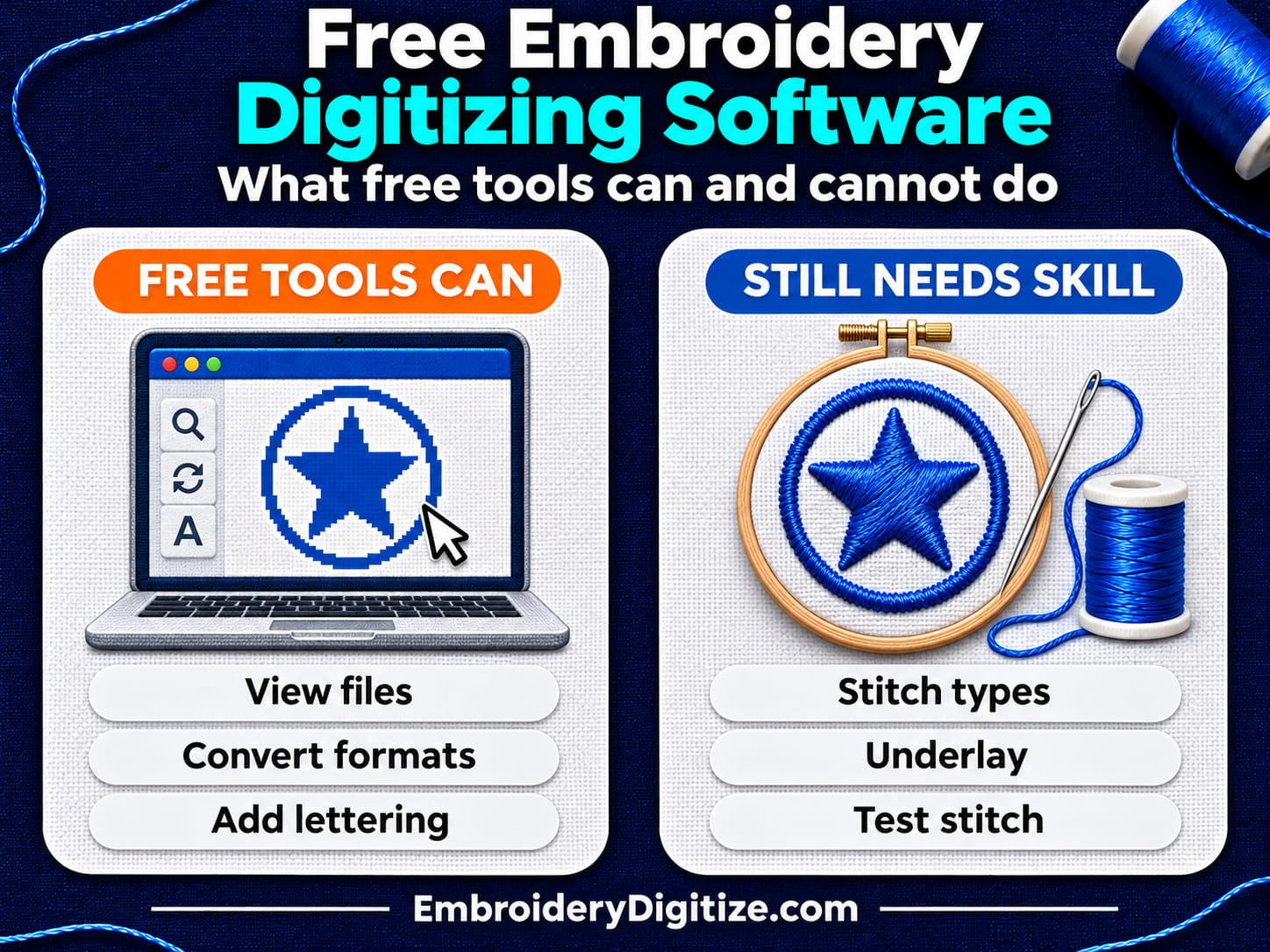
Quick answer: Yes. Ink/Stitch is free, open-source embroidery digitizing software that runs inside Inkscape. Hatch Embroidery offers a 30-day free trial with a limit of 30 stitch-file exports, and Embrilliance Express is free for font lettering. Most other free tools only view, edit, or convert existing stitch files. None replaces digitizing skill.
If you have searched for "free embroidery digitizing software," you have probably seen long lists of programs that all claim to be free. Many of them are free viewers, free trials, or free add-ons, not free digitizing software.
In this guide, we'll sort free embroidery programs into clear groups, explain what each group can and cannot do, and help you decide when a free tool is enough. The facts about each named tool come from that tool's own website or documentation, listed at the end. We have not run side-by-side stitch tests, so this is a guide to what the tools are, not a ranking.
Is There Really Free Embroidery Digitizing Software?
Yes, but the word "free" covers very different things. Digitizing means creating new stitch instructions from artwork: choosing stitch types, directions, density, underlay, and sewing order. Only some free tools do that.
Other free tools work on a stitch file that already exists. They can open it, show it, resize it, or save it in another machine format. Free lettering tools sit in between: they generate stitches from ready-made embroidery fonts, but they do not digitize new artwork such as a logo. Our guide on how to convert an image to an embroidery file explains this difference in more detail.
What Types of Free Embroidery Software Are There?
| Type | What it does | Creates stitches from artwork? | Example |
|---|---|---|---|
| Free, open-source digitizing software | Lets you build a design from vector shapes and set stitch parameters | Yes, with manual work | Ink/Stitch |
| Free trial of paid software | Gives access for a limited time, sometimes with export limits | Yes, during the trial | Hatch Embroidery 30-day trial |
| Free lettering mode | Types names and words with embroidery fonts | Lettering only | Embrilliance Express |
| Free coding platform | Generates stitch patterns from code blocks | Yes, for patterns you program | TurtleStitch |
| Free viewers, editors, and converters | Open, preview, edit, or convert existing stitch files | No | Online file viewers and format converters |
Which Free Embroidery Tools Can You Use?
Ink/Stitch: Free, Open-Source Digitizing
Ink/Stitch describes itself as an open-source machine embroidery design platform based on Inkscape, the free vector drawing program. Its About page says the project's goal is to provide an embroidery digitizing platform for everyone, completely free.
What its own documentation says:
- How it works: Ink/Stitch is an Inkscape extension. The Windows install page says Inkscape version 1.0.2 or later must be installed first.
- Computers: It has install guides for Linux, macOS, and Windows.
- Features: The project lists numerous stitch types, a lettering system with ready-to-use fonts, and tools to optimize the stitch path.
- Machine formats: The file formats page lists DST, EXP, JEF, PEC, PES, TBF, U01, VP3, and XXX among the formats it can write, and a longer list of formats it can read.
The trade-off is the learning curve. Ink/Stitch gives you the controls, but you still make the digitizing decisions yourself.
Hatch Embroidery: A 30-Day Free Trial
Hatch Embroidery is paid software from Wilcom. Its free trial page offers Hatch Embroidery 4 free for 30 days and says the trial includes every tool, from basic customizing up to professional digitizing.
The trial has limits. Hatch's help article on trial restrictions lists a limit of 30 stitch-file exports during the trial, says the trial does not work on virtual machines, and says you need to purchase the software to keep using it once the trial expires.
A trial is a good way to learn how commercial digitizing software works, or to finish one small project. Check the current terms on the Hatch website before you rely on it.
Embrilliance Express: Free Lettering
The Embrilliance Express page describes a free Express mode of the Embrilliance Platform for Windows and Mac. According to that page, Express mode lets you type words and names using .BX fonts, and open and save .BE working files into machine formats.
That makes it a lettering tool. The Express page does not describe turning a logo or picture into stitches.
TurtleStitch: Free Embroidery by Code
TurtleStitch describes itself as a free and open-source web platform for creating, sharing, and remixing embroidery patterns through code. It runs in the browser and is built on the Snap! block-coding language.
It suits geometric patterns, classrooms, and experiments. It focuses on programmable stitch patterns, not on a conventional logo-tracing workflow.
Free Viewers, Editors, and Converters
These tools need a stitch file to start with. On our own site, three tools fall into this group:
- The free embroidery file viewer opens a stitch file in your browser so you can see the stitches, thread colors, and design size.
- The free embroidery format converter changes an already-digitized file from one machine format to another, for example DST to PES.
- Smart Studio is a browser-based editor included with an EmbroideryDigitize account. It edits existing embroidery files: you can move, resize, recolor, and reorder objects. See our Smart Studio guide.
None of these three tools digitizes an image. They are for files that are already stitch files.
How Do the Free Options Compare?
| Tool | Free how? | Digitizes artwork? | Best suited to | Main limit |
|---|---|---|---|---|
| Ink/Stitch | Free and open source | Yes, manually from vector paths | Hobbyists and learners willing to practice | Needs Inkscape and digitizing knowledge |
| Hatch Embroidery 4 trial | Free for 30 days | Yes, during the trial | Testing paid software before buying | 30 days and 30 stitch-file exports |
| Embrilliance Express | Free mode of a paid platform | Lettering with .BX fonts | Names and monograms | Not a logo digitizing tool |
| TurtleStitch | Free and open source | Patterns made with code | Education and geometric designs | Built around code, not logo tracing |
| Viewers and converters | Often free online | No | Checking and converting existing files | Need a stitch file to start |
Can Free Software Auto-Digitize a JPG or PNG?
Not in a way you can rely on without checking. An image holds pixels, not stitch decisions, so any automatic tool has to guess. Automatic digitizing features do exist, mostly in paid programs, but a one-click result is not guaranteed to sew well.
Ink/Stitch works from vector paths, not pixels. Its workflow guide says you can trace an image by hand or use Inkscape's Trace Bitmap feature, and it warns that auto-tracing often creates tiny or fragmented objects that do not work well for embroidery.
Paid software depends on the artwork too. Wilcom's documentation for its professional EmbroideryStudio says clean images with a limited number of solid colors and well-defined outlines work best, and that embroidery digitizing works least effectively with photographic images.
So a free tool can give you a starting point from simple, flat-color artwork. Expect to clean it up by hand.
What Can Free Embroidery Software Not Do for You?
Software gives you controls. It does not choose the right settings for your fabric. The quality of a stitch file depends on decisions such as:
- Stitch type: when to use satin and when to use fill. See satin stitch vs fill stitch.
- Underlay: the foundation stitches under the visible thread. See our underlay guide.
- Pull compensation: adjusting shapes because thread pulls fabric inward. See our pull compensation guide.
- Density and sewing order: how close the stitches sit and what sews first.
These decisions take practice in any program, free or paid. That is why a free tool saves money but not learning time.
How Do You Try Digitizing a Simple Logo for Free?
This outline follows the steps in the Ink/Stitch workflow guide. It works best with a simple, bold design.
- Install Inkscape, then Ink/Stitch. Use the install guide for your operating system.
- Import your artwork on its own layer. Keep the picture as a reference while you draw over it.
- Create vector shapes. Trace by hand, or use Trace Bitmap on a simplified image and clean up the result.
- Set stitch parameters. Open Extensions > Ink/Stitch > Params to control how stitches are generated for each shape, and check the simulated preview.
- Save a machine file. Choose the format your machine reads, such as PES or DST.
- Sew a test. Use the same fabric and stabilizer as the final project, then adjust and test again.
For the thinking behind each step, read our step-by-step guide to digitizing a logo.
When Is Free Software Enough, and When Should You Pay?
| Your situation | A sensible route |
|---|---|
| Hobby projects and you enjoy learning | Free digitizing software such as Ink/Stitch |
| You only need names or monograms | A free lettering tool |
| You already have a stitch file in the wrong format | A free format converter |
| You are deciding whether to buy software | A free trial of the paid program |
| A business logo for customer garments, caps, or patches | Professional digitizing, then a test stitch |
| You need specific features, vendor support, or faster production | Compare paid software with free tools, using a trial first |
Professional digitizing is most worth considering for difficult fabrics, very small lettering, caps, and tight deadlines. Free software is not unsuitable for business use; the question is whether you have the time and skill to get a clean result. If you are weighing doing it yourself against sending work out, see in-house vs outsourced embroidery digitizing.
Common Mistakes With Free Digitizing Software
Mistaking a Converter for a Digitizer
A format converter changes one stitch format into another. It cannot turn a JPG into stitches.
Downloading "Free" Copies of Paid Software
Searches for free downloads of paid programs often lead to unofficial copies. These can break licence terms and may carry malware. Use the vendor's own trial instead.
Expecting One-Click Results From a Photo
Auto-tracing a photo produces many small, broken shapes. Simplify the artwork first, or have it digitized by hand.
Skipping the Test Stitch
A design that looks right on screen can still pucker or leave gaps on fabric. Always sew a test before production.
Frequently Asked Questions
What is the best free embroidery digitizing software?
It depends on the job. Ink/Stitch is a free, open-source tool that creates stitch files from artwork you trace as vector shapes. For lettering only, a free lettering mode such as Embrilliance Express may be enough. We have not benchmarked these tools against each other.
Is Ink/Stitch really free?
Yes. Ink/Stitch describes itself as open-source software, and its About page says the goal is a digitizing platform that is completely free for everyone. It runs as an extension inside Inkscape, which is also free.
Can free software turn a JPG into a PES or DST file?
Not by simple conversion. In Ink/Stitch, the image is traced into vector shapes and given stitch settings, and the design can then be saved in formats including PES and DST. Simple, flat-color artwork works much better than photos.
Is there free embroidery digitizing software for Mac?
Yes. Ink/Stitch has a macOS install guide, and the Embrilliance Express page lists Mac versions for its free lettering mode. Check each site for the macOS versions currently supported.
Is there free digitizing software for Brother embroidery machines?
Ink/Stitch lists PES and PEC, the formats used by Brother machines, among the formats it can write. Whether a file works on your machine also depends on the model and hoop size, so check your manual.
Is there free embroidery digitizing software that works online?
TurtleStitch runs in the browser, but it creates patterns from code, not from a logo. Online viewers and converters, including ours, work only with files that are already digitized.
Is Inkscape alone enough for embroidery digitizing?
No. Inkscape is a vector drawing program. Ink/Stitch is the extension that generates stitches from Inkscape shapes and saves machine embroidery formats. You need both installed.
How do I know which embroidery format my machine needs?
Check your machine's manual. As a general guide, PES is common on Brother machines, JEF on Janome, and DST in commercial embroidery. See our comparison of PES vs DST vs JEF.
Is a free trial the same as free software?
No. A trial gives you paid software for a limited time. For example, Hatch Embroidery 4 offers a 30-day free trial with a limit of 30 stitch-file exports. Hatch says you need to purchase the software to keep using it after the trial expires.
Can I use free digitizing software for business orders?
You can, if the result stitches well. The risk is quality, not the price of the tool. Test every design on the real fabric before production, and check each tool's licence terms.
Is Embrilliance Express a digitizing program?
Its own page describes it as a free mode for typing words and names with .BX fonts and saving working files into machine formats. It is a lettering tool, not a way to digitize a logo.
Does EmbroideryDigitize offer free digitizing software?
No. Our free tools view, edit, and convert embroidery files that already exist. Turning a logo or image into a new stitch file is our digitizing service, which is done by a digitizer.
How long does it take to learn digitizing with free software?
There is no fixed answer. Simple shapes and text are a reasonable first project. Clean results on small lettering, caps, and stretchy fabrics take much more practice.
Final Thoughts
Free embroidery digitizing software is real, but the list is shorter than most "free software" roundups suggest. Ink/Stitch is free digitizing software. Trials are temporary. Lettering tools, viewers, editors, and converters are helpful, but they do not digitize artwork.
Pick the tool that matches the job, start with simple artwork, and always sew a test before you stitch on the final garment.
Sources and Further Reading
Details about each tool reflect what its own website said when we last checked on November 13, 2026. Features, prices, and trial terms can change, so check the official page before you decide.
- Ink/Stitch, About, Install, File formats, and Workflow: what Ink/Stitch is, how it installs, the formats it reads and writes, and its design steps.
- Hatch Embroidery free trial and trial restrictions (Hatch help): 30-day trial of Hatch Embroidery 4 and its limits.
- Embrilliance Express: the free Express mode and what it does.
- TurtleStitch, About: free, open-source, browser-based embroidery by code.
- Choosing suitable artwork (Wilcom EmbroideryStudio help): which images suit automatic digitizing.
Need a Logo or Image Digitized?
Turn your logo, artwork, or custom design into a production-ready embroidery file.
Create your free EmbroideryDigitize account and submit your artwork, required size, garment type, and preferred embroidery format.
Existing customer? Login here.
If you already have an embroidery file but need another machine format, use our Free Embroidery Format Converter to convert supported embroidery files online.