SVG Cut Files
Custom SVG cut files for Cricut and Silhouette
Your logo, drawing or image redrawn as a clean, weedable cut file for Cricut, Silhouette, Brother ScanNCut and vinyl cutters. Every colour is its own layer, every path is closed, and small details are sized so they actually cut and weed. Delivered in 6–24 hours, or in 1–6 hours with rush.
- 6–24 hr delivery
- Rush in 1–6 hours
- Free revisions
- No account needed
What Makes a Good Cut File
Built for the blade, not just the screen
A cutting machine follows the outlines in your file, so the file has to be made for cutting, not just for looking at. Auto-traced files are full of stray points, open paths and overlapping shapes, which make the blade stutter, cut twice or miss pieces altogether.
We redraw your design by hand as cut-ready vector artwork: closed paths, merged shapes, letters welded into one piece and details big enough to weed. Multi-colour designs come apart into layers for vinyl or HTV, with each colour ready to cut on its own.
Best for
- HTV t-shirts, hoodies and tote bags
- Vinyl decals, stickers and car graphics
- Stencils for painting and signs
- Mugs, tumblers and glassware
- Layered paper and cardstock crafts
- Logos for your own products
How We Build It
Cut files that cut cleanly
Every path, layer and letter checked for how a cutting machine reads it.
Closed, clean paths
Every shape is a closed path with smooth curves and no stray points, so the blade cuts it in one clean pass.
A layer per colour
Each colour is its own layer, so you can cut, weed and stack vinyl or HTV one colour at a time.
Welded lettering
Script and joined-up letters are merged into one shape, so a word cuts as a word, not a pile of overlapping letters.
Details you can weed
Thin lines and small gaps are adjusted so they cut cleanly and can be weeded without tearing.
Stencil bridges on request
For stencils, we add bridges that keep the centres of letters like O, A and B in place.
Ready for your software
SVG for Cricut Design Space, with PDF, EPS and PNG too. Using Silhouette Studio Basic Edition? Add DXF under Other on the order form.
Examples
Cut files, in use
What a layered cut file looks like, and what it makes.
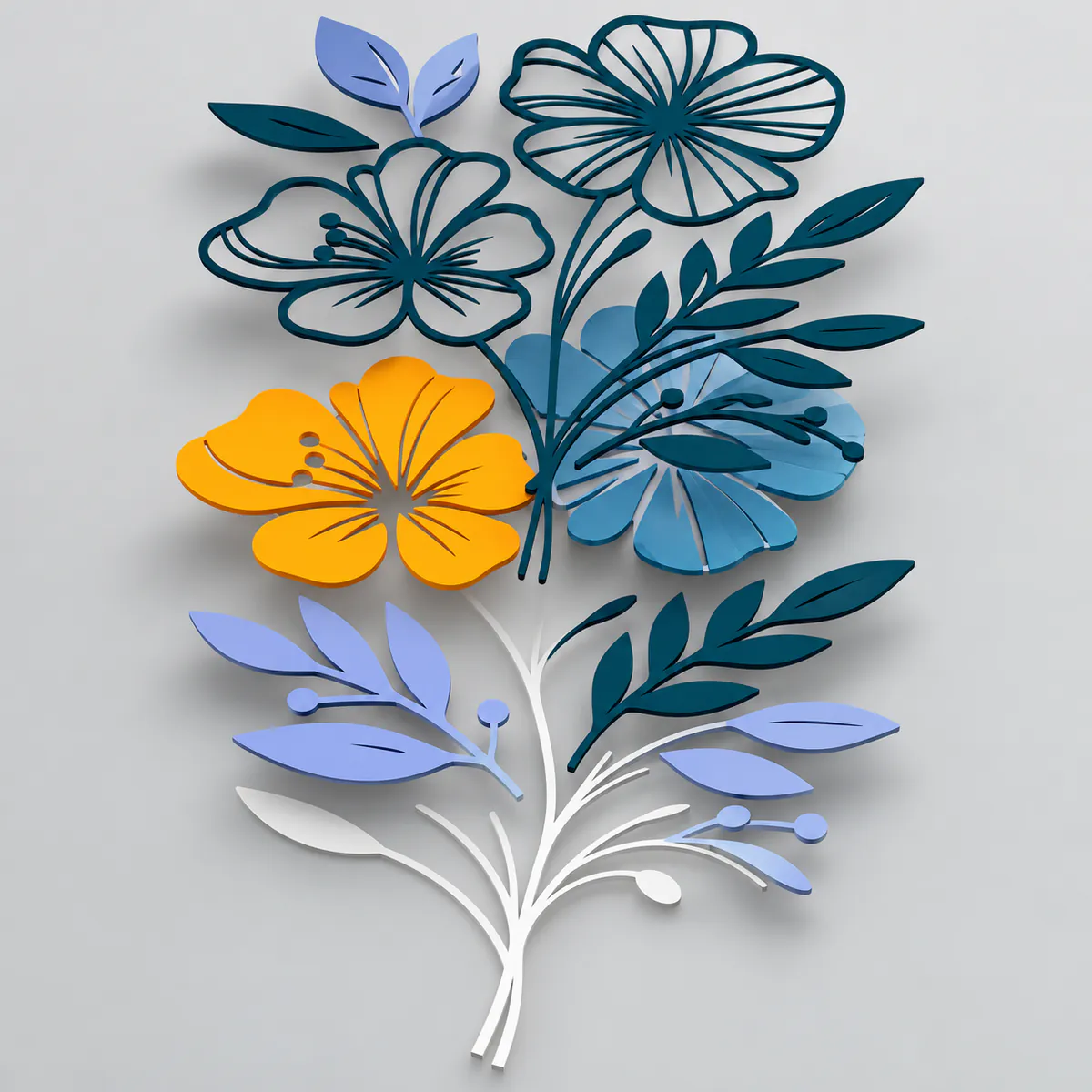
An SVG cut file split into colour layers 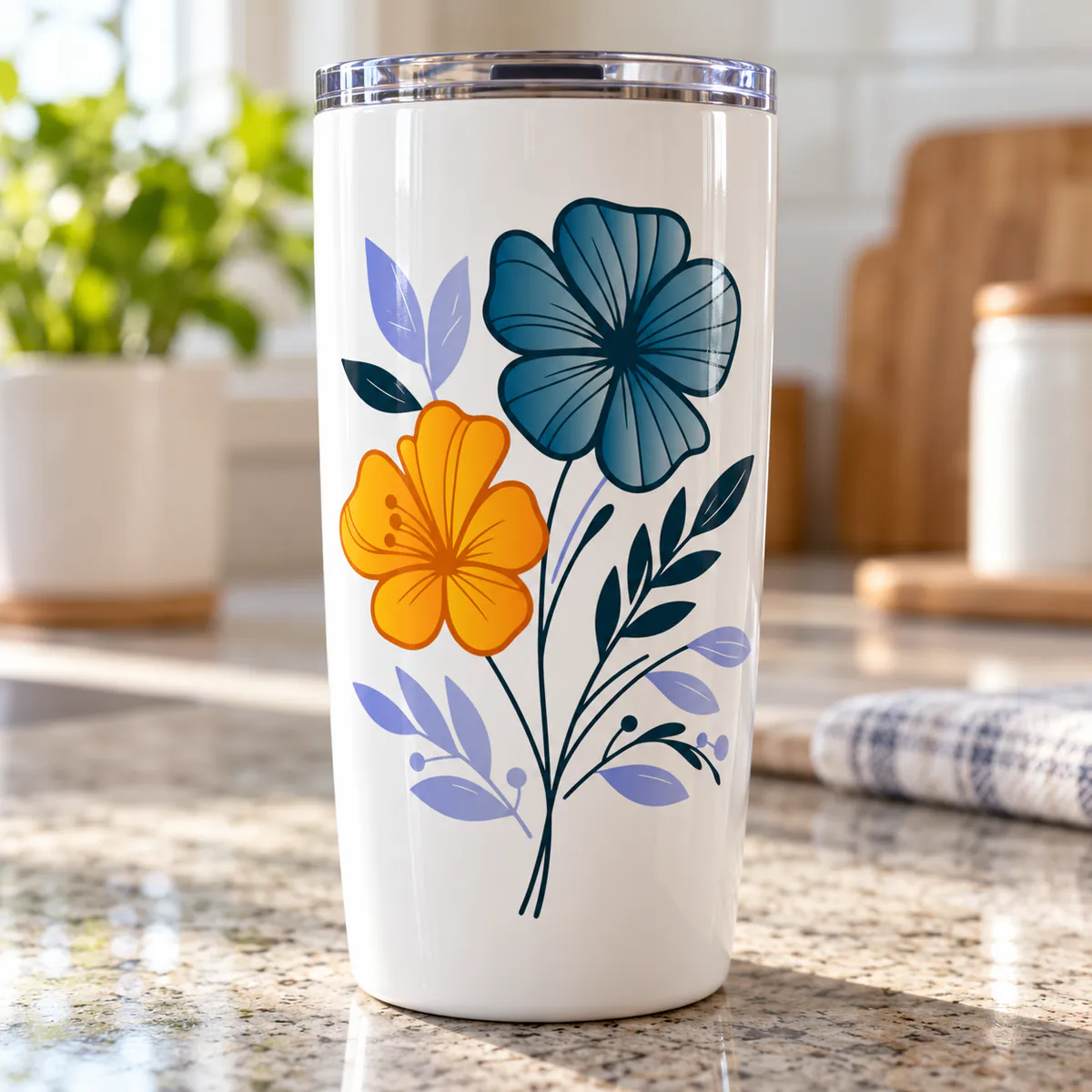
A tumbler decal cut from a custom SVG 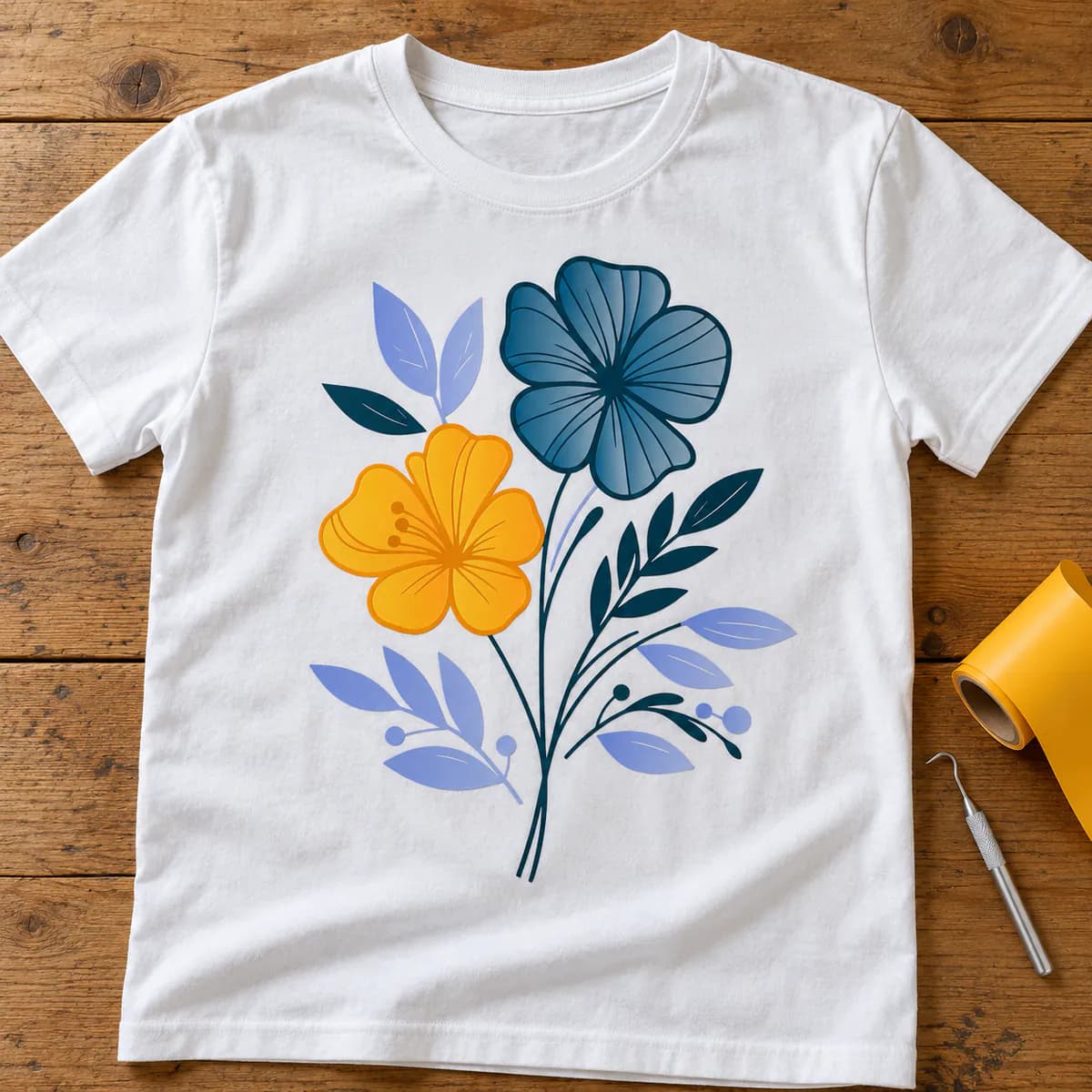
An HTV t-shirt made from a traced design
Pricing
Priced by artwork complexity
One price per design, whatever its size. Pick the level that matches your artwork when you order.
Extras are charged once per design, and every file format you need is included in the price.
- Rush (1–6 hours)+$10Delivered in 1–6 hours, depending on size and detail.
Before You Order
Getting a great cut file
What to send us
- Your logo, drawing or image, as large and sharp as you have it
- Your cutting machine and software, such as Cricut Design Space
- The material: HTV, adhesive vinyl, paper or a stencil
- The finished size, so small details are sized to cut
- The formats you need: SVG, plus DXF or PNG if you use them
Tips for the best result
- Tell us the finished size: a detail that cuts well at 10″ can be too thin at 3″
- Mirror HTV designs in your cutting software before you cut, not in the file
- Test cut a small piece first when you try a new material
- Keep each colour's layer together when you resize, so the pieces still line up
How It Works
From image to vector in three steps
Order and upload
Upload your image, choose Vector Tracing and the complexity level, and tell us your cutting machine and material in the instructions.
We redraw it for cutting
Our team traces your design by hand into cut-ready layers. Typically 6–24 hours.
Download and cut
Your SVG and other files arrive by email and on your order page. Need a change? Revisions are free.
FAQ
SVG cut file questions
Will the file work in Cricut Design Space?
Yes. Upload the SVG to Design Space and each colour comes in as its own layer, ready to size and cut. The same SVG works in Silhouette Studio Designer Edition, Brother CanvasWorkspace and most other cutting software.
I use Silhouette Studio Basic Edition. Can I open an SVG?
Basic Edition can't import SVG files, but it opens DXF. Add DXF under Other when you choose your formats on the order form, and we'll include it.
How much does a custom SVG cut file cost?
A custom SVG cut file is priced by how complex the artwork is, with one price per design whatever its size: Simple is $25, Medium is $50 and Complex is $75. Text and simple one-colour logos are usually Simple. See the pricing page for details.
Can you turn a photo into an SVG cut file?
Yes, as a stylised design. A cutter can only cut outlines, not shading, so a photo is redrawn as solid shapes and lines, such as a silhouette, line art or a one- or two-colour portrait.
More answers on our FAQ page.
Keep Exploring
More ways we can help
Vector Art for Screen Printing
Vector artwork in solid spot colours, one layer per ink, so screens burn sharp and prints line up.
Explore Screen PrintingVector Files for Laser Engraving
Clean vector paths with separate cut, score and engrave layers for LightBurn, Glowforge and xTool.
Explore Laser EngravingVector Tracing
Logos and images redrawn as clean, scalable vector files for print, cutting and design.
Explore vector tracingReady for a file that cuts right?
Upload your image now and get a clean SVG cut file in 6–24 hours. No account needed, and revisions are free.