Laser Engraving Vectors
Vector files for laser engraving and cutting
Logos, drawings and artwork traced into clean vector files for LightBurn, Glowforge, xTool and other lasers. Closed paths, no double lines and separate cut, score and engrave layers, so your laser runs it right the first time. Delivered in 6–24 hours, or in 1–6 hours with rush.
- 6–24 hr delivery
- Rush in 1–6 hours
- Free revisions
- No account needed
What a Laser Needs
Clean paths, no surprises
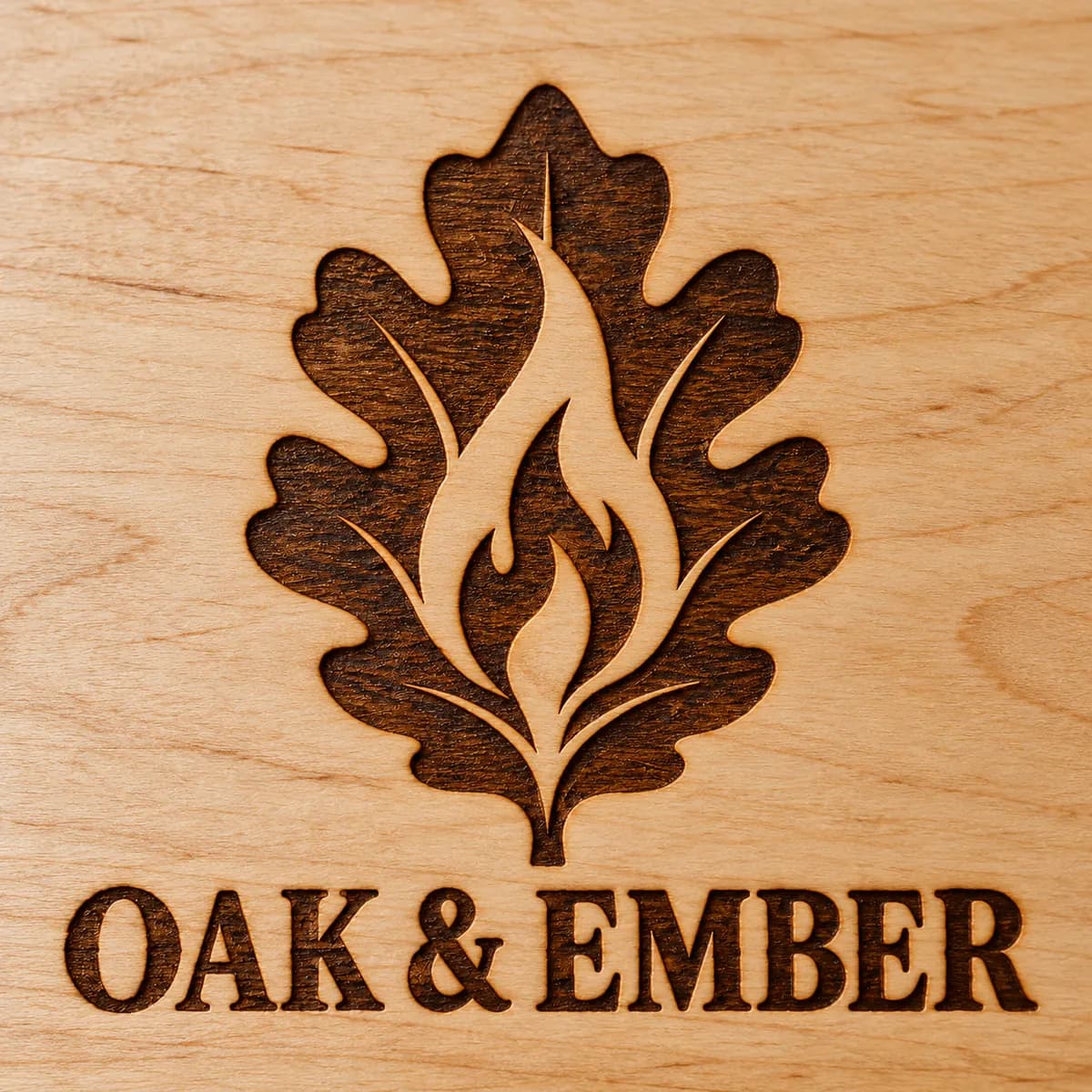
A laser follows vector paths: it cuts or scores along lines and engraves filled shapes. Auto-traced files and logos saved from a website often hide problems you only find on the machine: duplicate lines that cut twice and scorch, open shapes that won't engrave, and thousands of tiny nodes that make the head stutter.
We trace your artwork by hand into clean, closed vector paths with only as many nodes as each shape needs. Cut lines, score lines and engrave fills sit on their own colours or layers, so you can set power and speed for each in your laser software.
Best for
- Wood signs, plaques and cutting boards
- Acrylic, leather and slate
- Tumblers and rotary engraving
- Keychains, ornaments and coasters
- Cut-out lettering and shapes
- Logos for branding your products
How We Build It
Files your laser can trust
Every path checked for how laser software reads it, from the first cut to the last engrave.
No double lines
Overlapping and duplicate paths are removed, so every line is cut once and edges don't scorch.
Closed shapes to engrave
Every fill is a closed shape, so your software engraves it solid instead of skipping it.
Cut, score and engrave layers
Each operation is its own colour or layer, ready for its own power and speed settings.
Smooth, light paths
Curves are drawn with as few nodes as possible, so the laser head moves smoothly and quickly.
Connected cut-outs
On request, cut-out letters keep their inner parts attached with bridges, so the centres of O, A and B don't fall out.
Made to size
Artwork is built at your real size in inches or millimetres, with text converted to outlines.
Examples
Laser files, in use
What a clean laser file looks like, and what it makes.
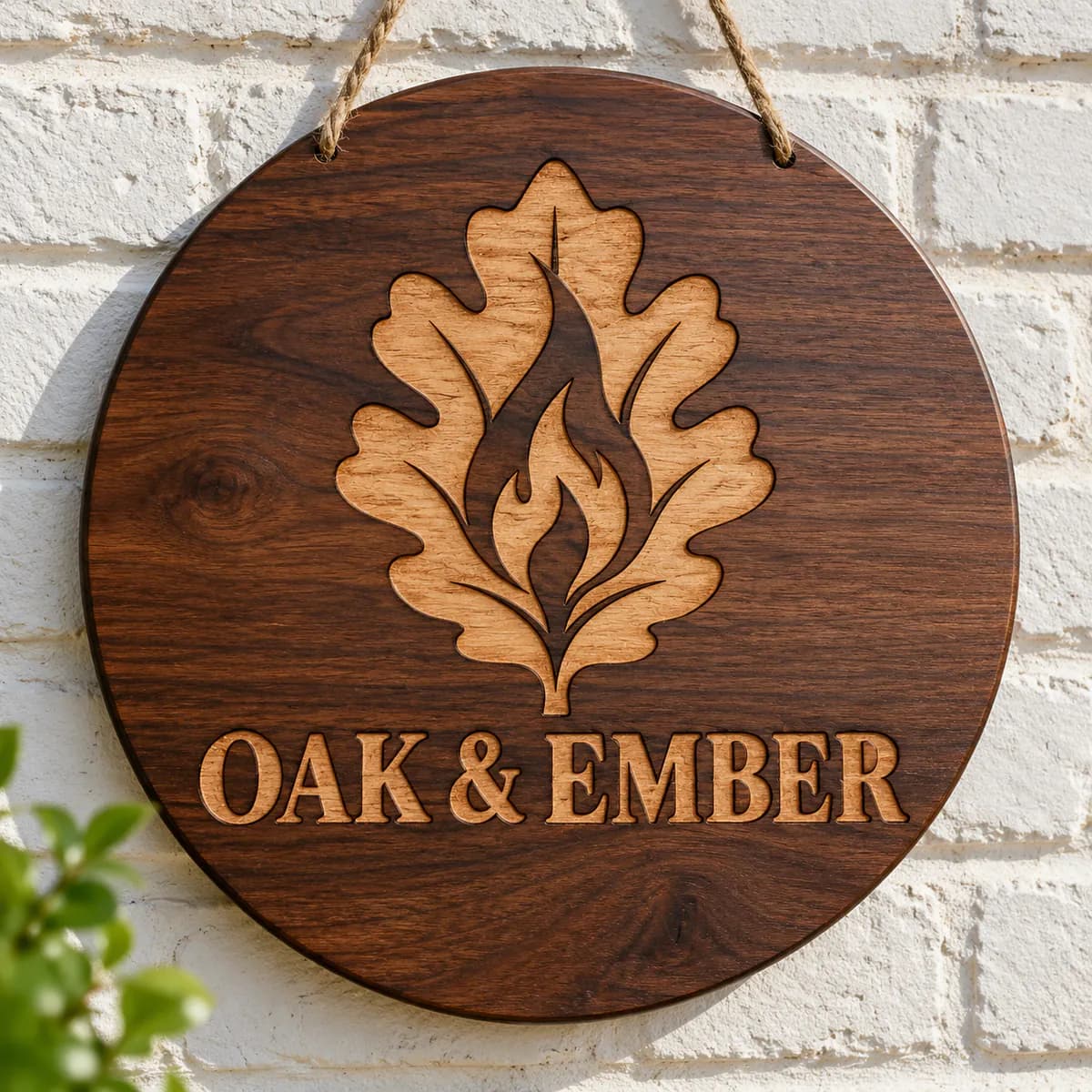
A laser engraved wood sign from a traced vector 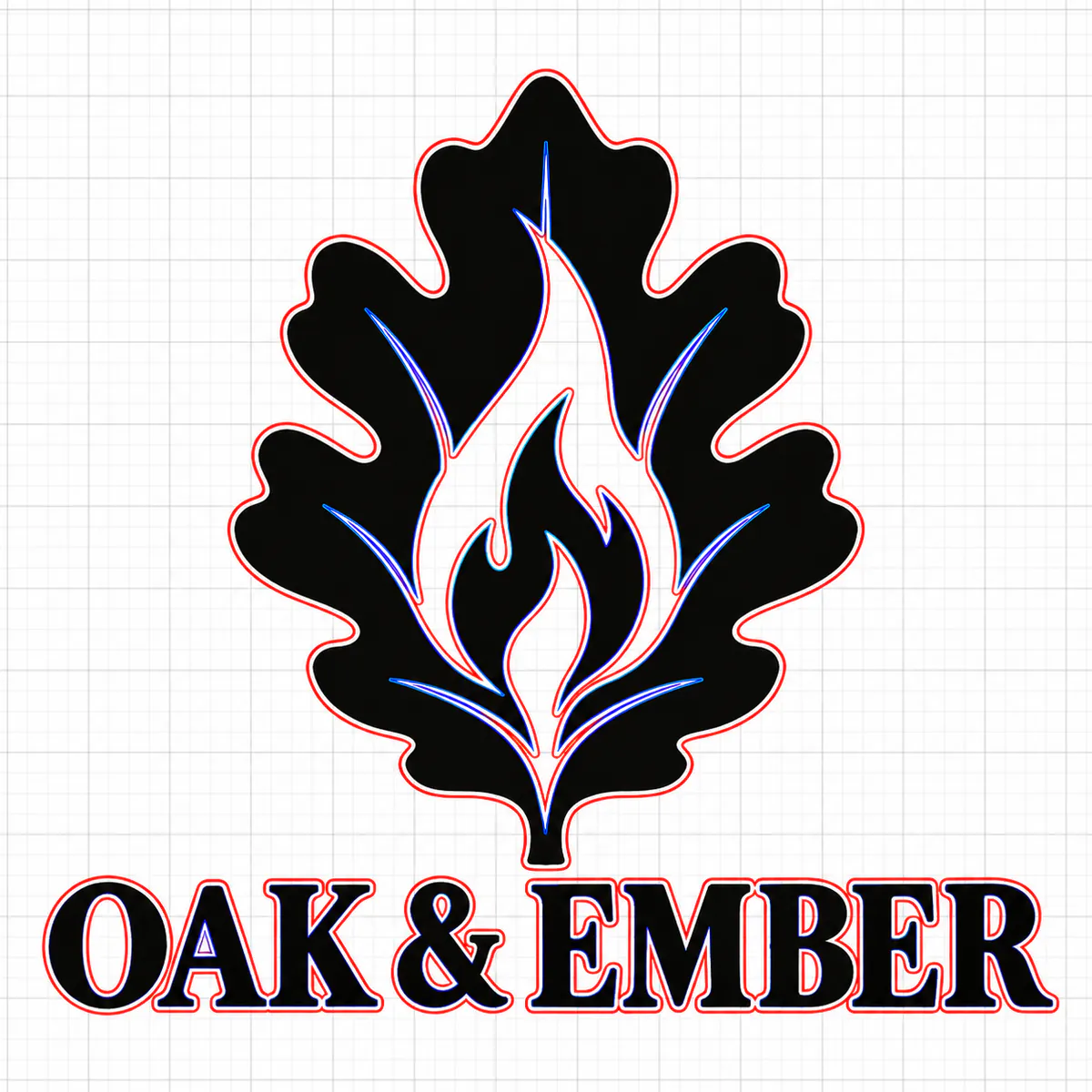
Cut, score and engrave layers in a laser file 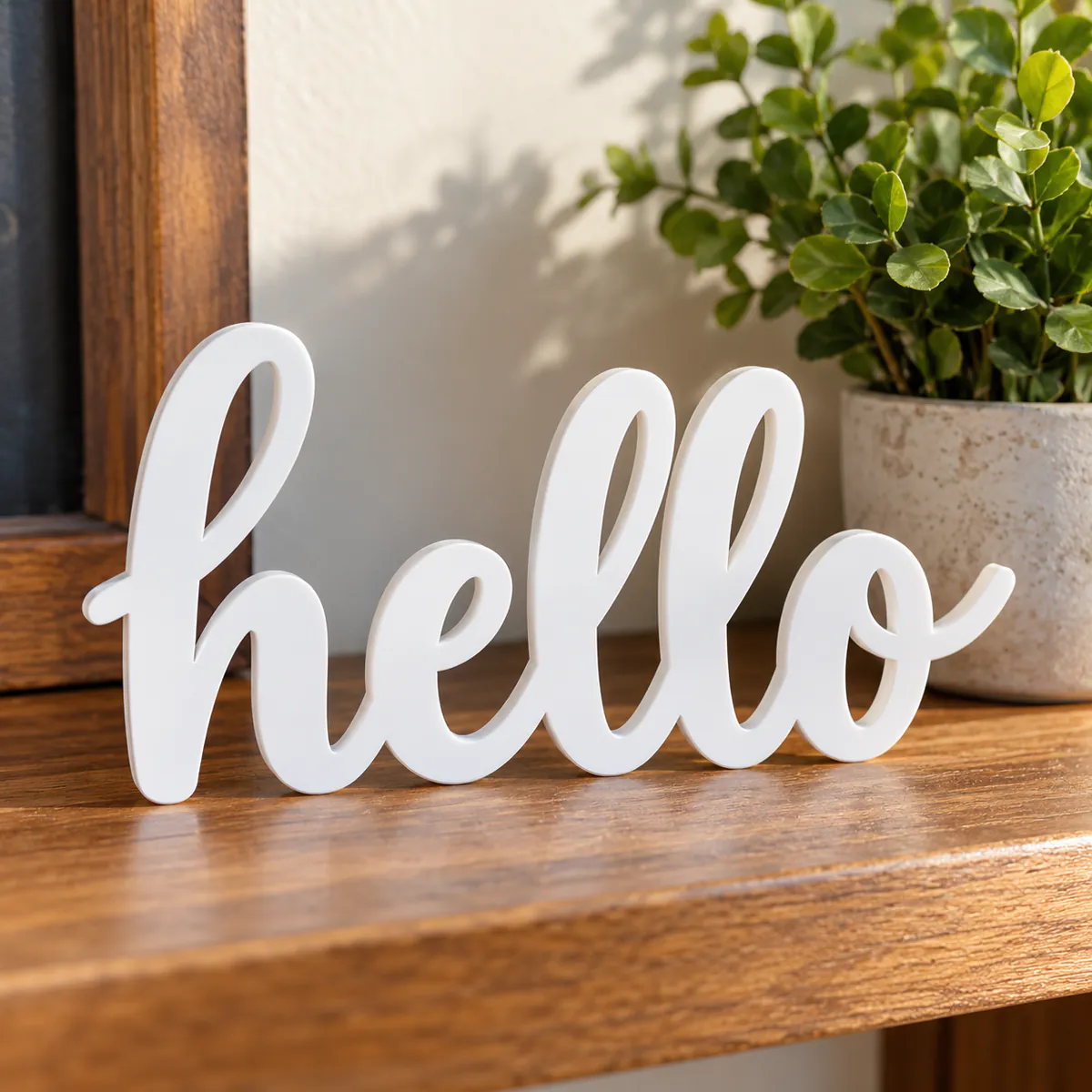
Laser cut acrylic lettering
Pricing
Priced by artwork complexity
One price per design, whatever its size. Pick the level that matches your artwork when you order.
Extras are charged once per design, and every file format you need is included in the price.
- Rush (1–6 hours)+$10Delivered in 1–6 hours, depending on size and detail.
Before You Order
Getting a great laser file
What to send us
- Your logo, drawing or image
- Your laser and software, such as LightBurn, Glowforge or xTool Creative Space
- The material, and whether you'll engrave it, cut it out or both
- The finished size, in inches or millimetres
- The formats you need: SVG, AI, PDF and CDR, or DXF under Other
Tips for the best result
- Run a test on scrap material to set power and speed
- For cut-outs, tell us the material thickness, so small parts stay strong
- Photos engrave as raster images: vectors suit logos, text and line art
- Keep very fine lines for engraving rather than cutting
How It Works
From image to vector in three steps
Order and upload
Upload your image, choose Vector Tracing and the complexity level, and tell us your laser, software and material in the instructions.
We trace it for your laser
Our team redraws it by hand into clean cut and engrave layers. Typically 6–24 hours.
Download and run it
Your files arrive by email and on your order page. Need a change? Revisions are free.
FAQ
Laser file questions
Will the file work in LightBurn and Glowforge?
Yes. SVG and PDF files open in LightBurn, Glowforge, xTool Creative Space and most laser software, and AI and CDR suit Illustrator and CorelDRAW. Need DXF? Add it under Other on the order form.
What's the difference between cut, score and engrave lines?
Cut lines go all the way through the material, score lines mark its surface with a thin line, and engrave areas are filled shapes the laser shades in. We put each on its own colour, so your software treats them separately.
How much do laser vector files cost?
Vector tracing for laser engraving is priced by how complex the artwork is, with one price per design whatever its size: Simple is $25, Medium is $50 and Complex is $75. Text and simple one-colour logos are usually Simple. See the pricing page for details.
Can you prepare a photo for laser engraving?
Photo engraving uses a raster image rather than vector paths, so it's prepared differently. Our vector service suits logos, text, line art and shapes you want cut or engraved crisply, and we can redraw a photo as stylised line art for engraving.
More answers on our FAQ page.
Keep Exploring
More ways we can help
SVG Cut Files
Clean, weedable SVG files with a layer per colour, for Cricut, Silhouette, ScanNCut and vinyl cutters.
Explore SVG Cut FilesVector Art for Screen Printing
Vector artwork in solid spot colours, one layer per ink, so screens burn sharp and prints line up.
Explore Screen PrintingVector Tracing
Logos and images redrawn as clean, scalable vector files for print, cutting and design.
Explore vector tracingReady for a laser-ready file?
Upload your artwork now and get clean cut and engrave layers in 6–24 hours. No account needed, and revisions are free.