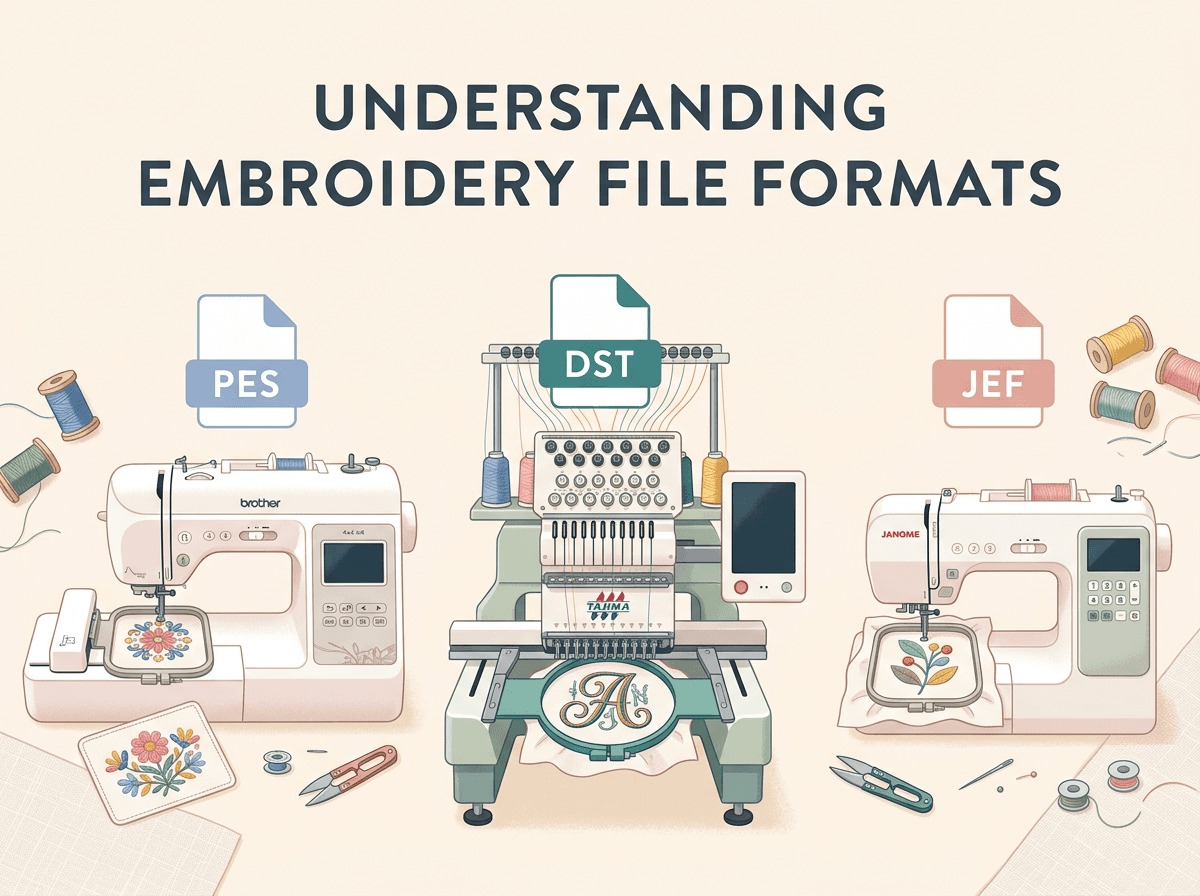
If you've ever ordered a digitized embroidery design and gotten back a file that your machine simply refuses to read, you already know: not all embroidery files are created equal. File format confusion is one of the most common (and most avoidable) headaches in the embroidery world — and it usually comes down to one simple issue: your machine needs a specific format, and you were sent the wrong one.
In this guide, we'll break down the three most common embroidery file formats — PES, DST, and JEF — so you know exactly which one to ask for the next time you order a digitized design.
Why File Format Matters in the First Place
Embroidery machines don't read images the way your computer does. A digitized embroidery file isn't a picture — it's a set of instructions that tells your machine exactly where to stitch, in what direction, at what density, and when to change thread colors. Every embroidery machine brand reads these instructions in its own native "language," which is why the file format matters so much.
Send your machine the wrong format, and best case, it won't open the file at all. Worst case, it opens but stitches out incorrectly — misaligned, missing color stops, or just plain wrong.
That's why, whenever you order a digitizing job, the very first question should be: what file format does my machine need?
PES — The Brother & Babylock Standard
PES is the native format for Brother and Babylock embroidery machines, and it's one of the most widely used formats among home embroiderers.
Best for: Brother, Babylock, and some Bernina machines
What makes it different: PES files can store more detailed information than some other formats, including color information tied to actual Brother thread charts. This means when you open a PES file, your machine may automatically recognize and display the intended thread colors — a small detail that makes color matching much easier.
Common use case: If you own a home embroidery machine, there's a good chance it's a Brother, and PES is almost certainly your format.
DST — The Universal Industry Format
DST (Tajima) is the closest thing the embroidery world has to a universal format. It was originally developed for Tajima commercial machines, but because of its simplicity and reliability, it's now supported by nearly every embroidery machine on the market — home or commercial.
Best for: Commercial machines, multi-needle machines, and as a safe universal fallback for almost any machine brand
What makes it different: Unlike PES, DST doesn't store color information — it only contains stitch and color-change data, without naming specific thread colors. This isn't a downside; it's actually why DST is so universally compatible. Because it doesn't rely on any brand-specific color library, virtually any machine can read it.
Common use case: If you run a commercial embroidery business, or you're not 100% sure what format your machine needs, DST is the safest bet. Many digitizers will hand you a DST file by default because it's the most broadly compatible option.
JEF — The Janome Format
JEF is the native format for Janome embroidery machines.
Best for: Janome and Elna machines
What makes it different: Like PES, JEF files are built specifically around a brand's machine capabilities and hoop sizes, which is why Janome owners should always request JEF over a generic format when possible — it's optimized for how their machine actually operates.
Common use case: If your machine has "Janome" or "Elna" printed on it, JEF is your format.
Quick Reference: Which Format Do You Need?
| Format | Machine Brand | Stores Thread Colors? | Best Use Case |
|---|---|---|---|
| PES | Brother, Babylock | Yes | Home embroidery machines |
| DST | Tajima, most commercial + universal | No | Commercial machines, universal fallback |
| JEF | Janome, Elna | Yes | Janome/Elna machines |
There are other formats too — EXP (Bernina/Melco), VP3 (Husqvarna/Pfaff), XXX (Singer) — but PES, DST, and JEF cover the vast majority of machines in home and small-business use.
What Happens If You Order the Wrong Format?
This is the part that trips up a lot of first-time buyers: you can usually get the same design in a different format without starting over. A digitized design isn't locked to one format — a digitizer can export the same underlying stitch file into PES, DST, JEF, or several other formats at once, since the design work itself (stitch paths, density, underlay, color sequencing) is already done.
That's why, when you order digitizing services, it's smart to simply ask for multiple formats up front if you're not 100% sure which machine you'll be stitching on, or if you switch between machines.
How to Check Which Format You Need
Not sure what your machine uses? Here's the fastest way to check:
- Check your machine's manual or brand. Brother → PES, Janome → JEF, Tajima/commercial → DST, in most cases.
- Look at your machine's software. Most embroidery machine companion apps display the supported format in the file browser.
- When in doubt, ask your digitizer for DST as a backup. Since it's the most universally supported format, it's a safe fallback even if it's not your machine's native format.
Final Takeaway
Choosing the right embroidery file format isn't complicated once you know what to look for — it really just comes down to matching the format to your machine brand. Brother and Babylock owners need PES, Janome and Elna owners need JEF, and if you're on a commercial machine or unsure, DST is your safest universal option.
When you order a digitizing job, always mention your machine brand (or ask for multiple formats) so you're not stuck reformatting or re-ordering later. A good digitizer will always confirm this with you before delivering the final file — and if they don't ask, ask them.
Need a design digitized in the exact format your machine needs? Reach out and we'll make sure you get the right file the first time.