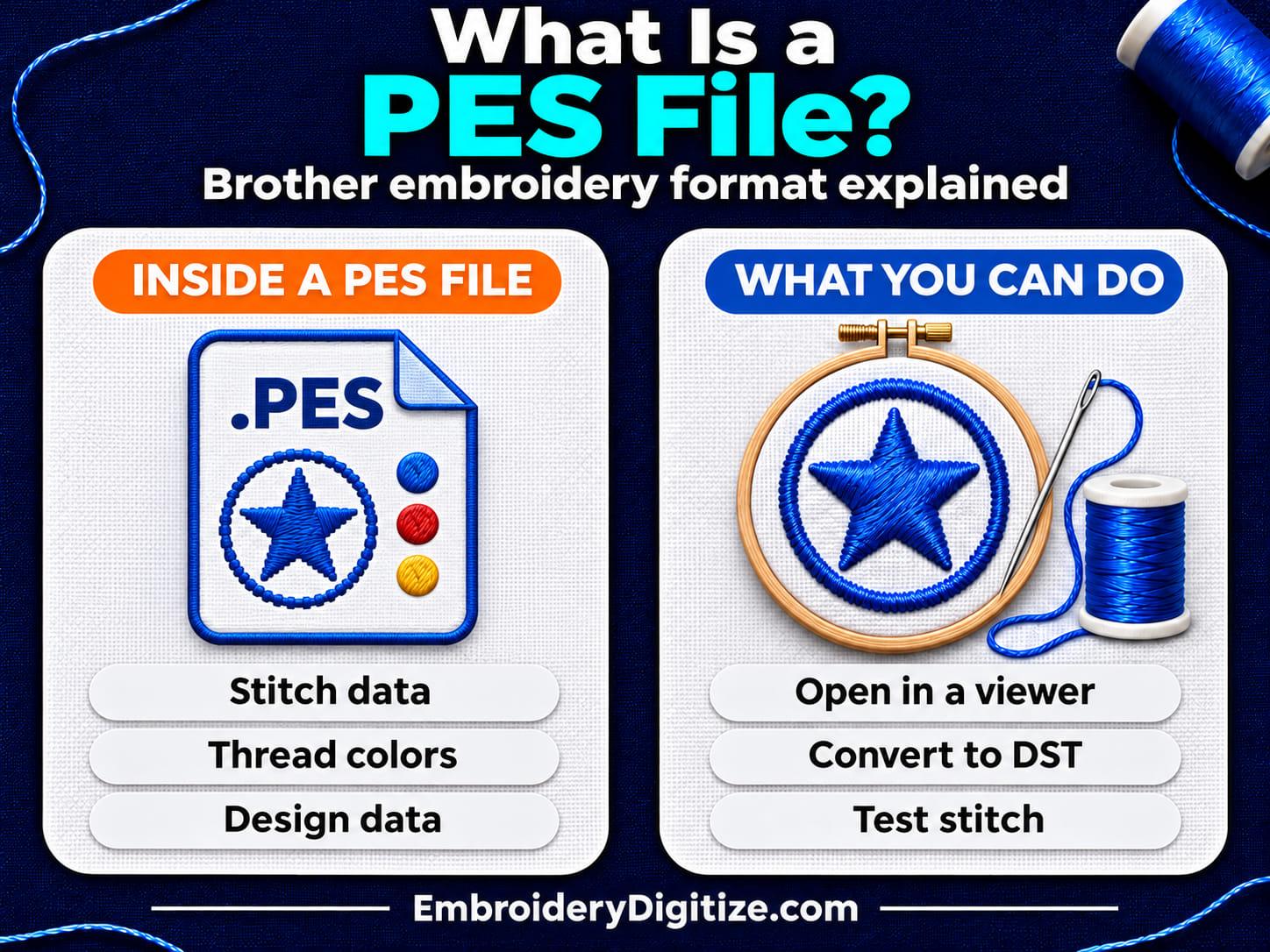
Quick answer: A PES file is a machine embroidery file. It stores the stitches and thread colors of a design and is most closely linked to Brother machines. It also holds design data that editing software can use. You cannot make one by renaming a JPG: a digitizer or a program creates the stitches.
If you have been sent a PES file, or a Brother machine asks for one, you probably want to know three things: what is inside it, how to open it, and what to do when you need a different format. This guide answers those questions in plain words.
The facts about the format come from technical references and software documentation, listed at the end. We have not stitched a test design for every version, so use this as a guide to what PES is, and check your machine manual for your exact model.
What Is a PES File?
A PES file is a machine embroidery file with the extension .pes. It tells an embroidery machine where to place each stitch and when to change thread color. The National Archives' PRONOM format register describes PES as an embroidery format that combines the design with embroidery commands, created mainly for Brother Industries and Bernina International machines.
Unlike a picture, a PES file does not store pixels. It stores stitch positions, color changes, and related design data. That is why a PES file is not the same thing as a JPG or PNG, and why artwork has to be digitized before it can become one. Our guide on how to convert an image to an embroidery file explains that step.
What Is Inside a PES File?
EduTech Wiki calls PES "a hybrid embroidery design and embroidery command file format." In practice, that means one file has two jobs, and the data is split into two sections.
| Part | What it holds | Who uses it |
|---|---|---|
| Version tag at the start | A label such as #PES0001 or #PES0060, followed by a pointer to the machine section | Software reading the file |
| PES section | Higher-level design data, such as shapes and fill settings | Design software |
| PEC section | Lower-level machine data: design name, thread colors, stitch commands, and graphics | The embroidery machine |
The libpes project's format notes describe the same split: the PES section is "high-level embroidery design data, primarily for embroidery design applications," and the PEC section is "low-level embroidery machine data, primarily for embroidery hardware."
Not every PES file keeps all of the original shapes and fill settings, so editing options can vary from file to file. The practical result is that software from other companies often reads only the machine data and turns those commands into plain line segments, as EduTech Wiki notes. If a program opens your PES file but the shapes and fill settings you expected are missing, this is a likely reason.
What Are the Different PES Versions?
PES has changed over time. EduTech Wiki documents version tags 0001, 0020, 0025, 0030, 0040, 0050, 0055, 0056, and 0060, and says each has a different header layout. That is the list in this reference, not a guarantee that no other version exists. Two details from that page matter for everyday users:
- Thread colors: versions 1 through 4 use a fixed, predefined palette of 64 threads. Versions 5 and 6 replace it with configurable threads, which can carry details such as a catalog number, RGB values, description, and brand. Either way, thread data in a file does not guarantee the exact physical thread color you will see on the machine, so match threads by hand.
- Hoop size: in the version 1 header, a value of 0 means a 100 x 100 mm hoop and any other value means 130 x 180 mm. Later versions store the hoop width and height in millimeters. These are values written in the file header, not proof of the embroidery area your machine supports.
Whether your machine accepts a given version depends on the model. Check your machine's manual rather than assuming every PES file works on every Brother machine.
Which Machines and Programs Use PES Files?
PRONOM links PES to Brother and Bernina machines. Whether a particular Bernina or Brother model accepts a given PES file depends on the model, so check its manual. Our own format guide describes PES as the native format for Brother and Babylock machines and says it is a likely choice for home embroiderers who own a Brother machine. You can read the full comparison in PES vs DST vs JEF: which embroidery file format do you need?
Programs also support it. For example, Ink/Stitch, the free open-source digitizing tool, lists PES among the formats it can write and read. See our guide to free embroidery digitizing software for what Ink/Stitch and other free tools can and cannot do.
PES vs DST: What Is the Difference?
| Question | PES | DST |
|---|---|---|
| Most linked to | Brother (and Bernina) machines | Commercial embroidery, often Tajima machines |
| Stores stitches | Yes | Yes |
| Typical use | Home and small-business machines | Sending designs to professional embroidery shops |
Neither format is better overall. Our guide to DST files says DST is the most broadly compatible format, while PES is optimized for Brother machines, and that many digitizers deliver both.
How Do You Open a PES File?
- Do not double-click a stitch file and expect a picture. Most computers have no built-in program for PES, so you need an embroidery viewer or editor.
- Open it in a free online viewer. Our embroidery file viewer opens PES and many other formats in your browser with no account. It shows the design, thread colors, size, and stitch count, and plays back the stitch-out. The page lists a file size limit of 10 MB.
- Check the colors. The viewer's page says formats like PES include colors and shows them as saved in the file.
- Use embroidery software for edits. To change stitch types, density, or the design itself, you need embroidery editing software such as Smart Studio, our free browser-based editor, or another editor that supports PES.
- Copy it to your machine. Follow your Brother manual for the transfer method and any file or folder rules your model has.
How Do You Convert a PES File to Another Format?
You can convert a PES file to another machine format, such as DST, when your machine or a shop needs it. Our free embroidery format converter converts existing embroidery files and needs no account. Its page says PES to DST is possible when DST is available as a target format, and that read and write support varies by format.
Keep these limits in mind:
- Conversion usually keeps the stitch pattern, but format-specific features such as a custom thread palette may not carry over.
- Always sew a test before production, and check hoop size, machine limits, and color sequence.
- A converter works only on files that already exist. It cannot digitize a JPG or PNG.
Can You Turn a JPG or PNG Into a PES File?
Not by renaming or simple conversion. A picture has to be digitized first: stitch types, directions, underlay, density, and sewing order are chosen, and then the result is saved as PES. You can do this yourself with digitizing software, or have it done for you. If your artwork is a logo, our guide on how to digitize a logo for embroidery walks through the process.
Why Does My PES File Not Work on My Machine?
| Problem | Possible cause | What to try |
|---|---|---|
| Machine does not accept the file | The PES version or the model's requirements differ | Check the manual for your model, or ask for another version or format |
| Design is too large | The design is bigger than your hoop | Check the design size in a viewer and compare it with your hoop. See our design sizing and placement guide |
| Colors look different | The thread palette differs between versions and software | Match threads by hand on the machine and test stitch |
| Editing options are missing | The software reads only the machine data | Ask the digitizer for the original working file if you need to edit |
Frequently Asked Questions
What is a PES file?
A PES file is a machine embroidery file with the extension .pes. It stores stitch positions, thread colors, and design data, and it is most closely linked to Brother and Bernina machines.
Is PES a Brother format?
It is the format most closely linked to Brother. PRONOM says PES was created mainly for Brother Industries and Bernina International machines, but model support varies, so check your manual.
What is the difference between PES and PEC?
PEC is the machine-data section inside a PES file. It holds the design name, thread colors, stitch commands, and graphics. The PES section holds higher-level design data for editing software.
How do I open a PES file on my computer?
Use an embroidery viewer or editor. A free online viewer such as ours opens PES in the browser, and embroidery software can open it for editing.
Can I open a PES file on Windows, Mac, or a phone?
Yes, in a browser-based viewer. Our file viewer page says it works in modern browsers on phones, tablets, and computers. PES is not an image or a document, so ordinary photo or office programs cannot show it.
Can I convert PES to DST?
Yes, with an embroidery format converter. Check the result with a test stitch, because features such as custom thread palettes may not carry over.
Can I convert a JPG to a PES file?
Not by simple conversion. The image has to be digitized into stitches first, which is a design step, not a file conversion.
Does a PES file include thread colors?
Yes. PES stores color data. Versions 1 to 4 use a fixed palette of 64 threads, and versions 5 and 6 use configurable threads, according to EduTech Wiki.
Do all PES versions work on every Brother machine?
Not necessarily. Version and file support depends on the machine model, so check your manual before you assume a file will load.
Can I edit a PES file?
You can edit it in software that supports PES, but what you can change depends on the data the file keeps and the program you use. Software that reads only the machine data may show plain stitch lines without the original shapes.
Is PES the same as DST?
No. Both store stitches, but PES is most linked to Brother and Bernina machines, while DST is widely used in commercial embroidery. See our PES vs DST vs JEF comparison.
Does the EmbroideryDigitize converter or viewer need an account?
No. The converter and the file viewer both say no account is needed. Custom digitizing requires registering on the site.
Final Thoughts
A PES file is a machine embroidery file that holds stitches, thread colors, and design data, and it is the format most people link to Brother machines. It is not an image, so it has to be created by digitizing, and it can be opened in a viewer or converted to another format when you need one.
When in doubt, open the file in a viewer, check the size and colors, convert only what you need, and sew a test before the final garment.
Sources and Further Reading
Facts about the format come from the pages below, which we opened on November 14, 2026. Format versions and software features can change, so check your machine's manual for your model.
- Embroidery format PES (EduTech Wiki): structure, version tags, thread palettes, and hoop values.
- PES format (libpes project wiki): the PES and PEC sections.
- PES format entry (The National Archives, PRONOM): description, extension, and file signature.
- Ink/Stitch file formats: formats the software reads and writes.
- PES vs DST vs JEF, What Is a DST File?, the format converter, and the file viewer on embroiderydigitize.com.
Need a Logo or Image Digitized?
Turn your logo, artwork, or custom design into a production-ready embroidery file.
Create your free EmbroideryDigitize account and submit your artwork, required size, garment type, and preferred embroidery format, such as PES or DST.
Existing customer? Login here.
If you already have an embroidery file but need another machine format, use our Free Embroidery Format Converter to convert supported embroidery files online.