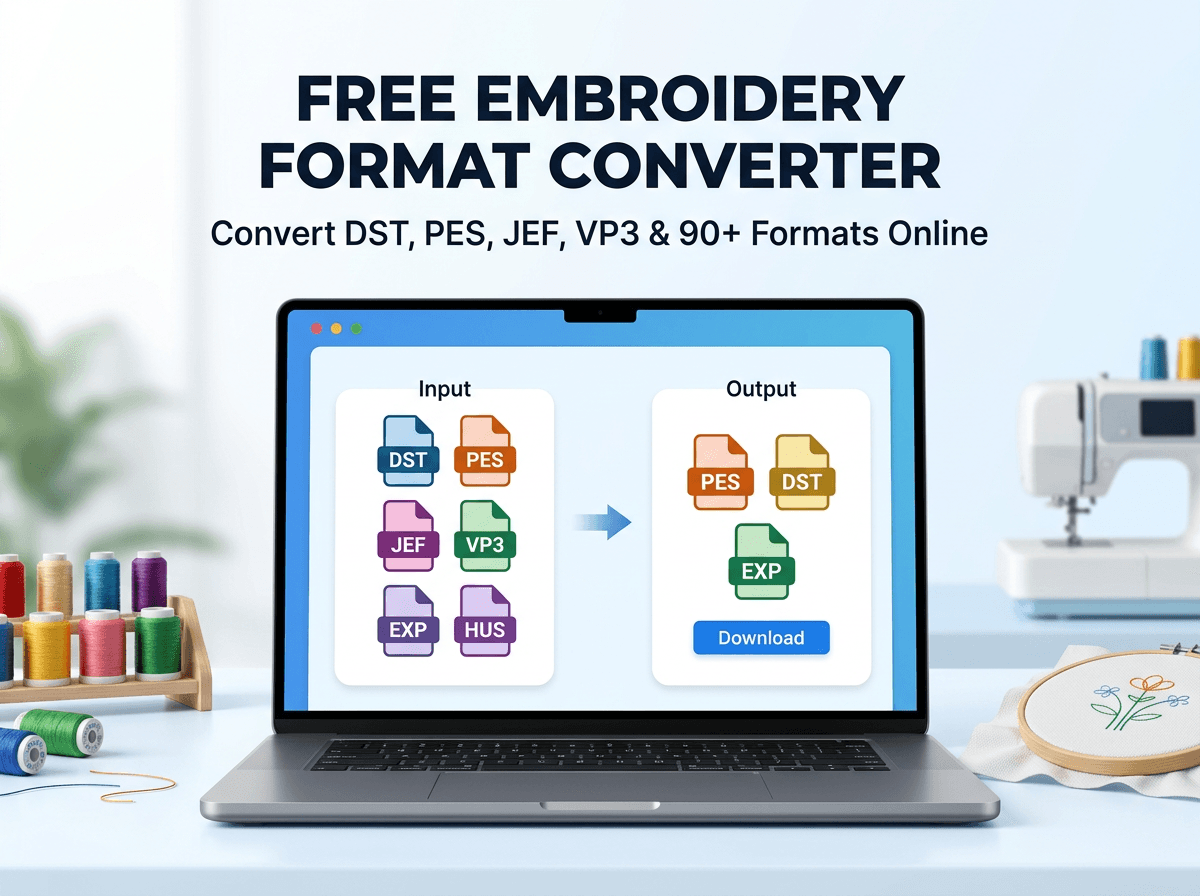
Free Embroidery Format Converter – Convert DST, PES, JEF, VP3 & 90+ Formats Online
If you work with machine embroidery, you have probably encountered a common problem: you have an embroidery design, but the file format is not compatible with your embroidery machine.
A Brother machine may require a PES file, while a Janome machine may use JEF. Commercial embroidery machines frequently work with DST, while Pfaff and Husqvarna Viking users may need formats such as VP3 or HUS.
Instead of purchasing expensive embroidery software just to change a file format, you can use the free EmbroideryDigitize embroidery format converter to convert compatible embroidery files online.
Try the Free Embroidery Format Converter Here
What Is an Embroidery Format Converter?
An embroidery format converter is a tool that converts an existing machine embroidery file from one embroidery format into another.
For example, you may have a design saved as:
- DST
- PES
- JEF
- VP3
- EXP
- HUS
- XXX
But your embroidery machine may require a different file type.
A format converter allows you to upload your existing embroidery file, choose the format required by your machine, and download the converted version.
This can be extremely useful for embroidery businesses, home embroiderers, apparel decorators, Etsy sellers, embroidery designers, and anyone working with multiple embroidery machine brands.
Try Our Free Embroidery Format Converter
EmbroideryDigitize provides an easy-to-use online tool that lets you convert embroidery files directly from your browser.
Our converter supports 90+ embroidery and related file formats, including many formats used by popular commercial and home embroidery machines.
There is no complicated software installation required. Simply upload your compatible embroidery file, choose your required output format, and convert it.
Convert Your Embroidery File for Free →
Popular Embroidery Formats You Can Convert
Different embroidery machine manufacturers use different file formats. Here are some of the most common embroidery formats you may encounter.
DST – Tajima Embroidery Format
DST is one of the most widely used commercial embroidery formats. It is commonly associated with Tajima machines but is supported by many commercial embroidery systems.
DST files primarily contain stitch information and are frequently used when sending embroidery designs to professional embroidery shops.
PES – Brother Embroidery Format
PES is commonly used with Brother embroidery machines and is also supported by several other embroidery systems.
If you purchase embroidery designs online and use a Brother machine, PES may be one of the formats you need most often.
JEF – Janome Embroidery Format
JEF is a popular embroidery format used by Janome embroidery machines.
If you receive a DST or PES file but your Janome machine requires JEF, converting the existing embroidery file can make the design compatible with your workflow.
VP3 – Pfaff and Husqvarna Viking
VP3 is commonly associated with Pfaff and Husqvarna Viking embroidery machines and software.
It is another popular format used by home embroidery enthusiasts and professional designers.
EXP – Melco and Bernina
EXP is used in several embroidery workflows and is commonly associated with Melco and Bernina systems.
HUS – Husqvarna Viking
HUS is an embroidery file format traditionally associated with Husqvarna Viking embroidery machines.
XXX – Singer Embroidery Format
XXX is another embroidery format used by certain Singer and compatible embroidery systems.
Popular Embroidery File Conversions
Some embroidery format conversions are requested much more frequently than others.
Common conversions include:
- DST to PES
- PES to DST
- DST to JEF
- JEF to DST
- JEF to PES
- PES to JEF
- DST to VP3
- VP3 to DST
- PES to VP3
- EXP to PES
- HUS to DST
You can check the available input and output formats directly inside our converter.
Open the Free Format Converter
How to Convert an Embroidery File Online
Using the EmbroideryDigitize format converter is simple.
Step 1: Open the Embroidery Format Converter
Visit:
https://www.embroiderydigitize.com/format-converter
Step 2: Upload Your Embroidery File
Select the existing embroidery file from your computer or device.
For example, you might upload a DST, PES, JEF, VP3, EXP, HUS, XXX, or another supported embroidery file.
Step 3: Choose Your Output Format
Select the embroidery format required by your machine or embroidery software.
For example, if you have a DST file but your Brother embroidery machine requires PES, choose PES as your output format.
Step 4: Convert the File
Start the conversion process. Most conversions are completed within seconds.
Step 5: Download the Converted File
Once the conversion is complete, download the new embroidery file and save it to your computer.
Before stitching a converted design on your final garment or product, we always recommend running a test stitch on suitable scrap material.
Why Use Our Free Embroidery Converter?
Free to Use
You can convert supported embroidery formats without purchasing expensive embroidery conversion software.
No Account Required for File Conversion
The format conversion tool can be used without creating an account, making it useful when you simply need to convert an existing embroidery file quickly.
90+ Supported Formats
The converter supports more than 90 embroidery and related file formats, giving you flexibility when working with different machines and embroidery software.
Fast Conversion
Most file conversions are processed within a few seconds, allowing you to quickly prepare files for different embroidery machines.
Secure File Processing
Your uploaded file is processed for conversion and is not permanently stored by the converter.
No Watermark
Your converted embroidery file is provided without adding a watermark.
Embroidery File Conversion vs. Embroidery Digitizing
This is an important distinction.
Embroidery file conversion and embroidery digitizing are not the same thing.
Embroidery Format Conversion
Format conversion changes an existing embroidery machine file from one compatible format to another.
For example:
DST → PES
or:
PES → JEF
The original design has already been digitized and already contains embroidery information.
Embroidery Digitizing
Embroidery digitizing is the process of converting ordinary artwork into a properly programmed machine embroidery design.
For example, if you have:
- JPG logo
- PNG image
- Company logo
- PDF artwork
- Vector artwork
- Custom illustration
- Team logo
- Business logo
- Patch artwork
and you want that artwork turned into a professional embroidery file, you need embroidery digitizing, not simply file conversion.
Need a Custom Design Digitized for Embroidery?
If you have a logo, image, artwork, or custom design that has not already been digitized, our professional embroidery digitizing team can prepare it for machine embroidery.
We can create machine-ready embroidery files for applications such as:
- Shirts and polos
- Caps and hats
- Jackets
- Hoodies
- Uniforms
- Workwear
- Patches
- Bags
- Towels
- Left-chest logos
- Large jacket-back embroidery
- Custom apparel
Instead of relying on automatic image conversion, professional digitizing takes stitch direction, density, underlay, pull compensation, fabric type, lettering, details, and final embroidery quality into consideration.
Register With EmbroideryDigitize for Custom Digitizing
If you need a custom embroidery design, create an account on EmbroideryDigitize and submit your artwork to our team.
Registering makes it easier to place custom digitizing orders and manage your embroidery projects.
Register for Custom Embroidery Digitizing →
If your website uses a different registration URL, you can also use your website's Create Account or Sign Up button.
Who Can Use the Embroidery Format Converter?
The converter can be useful for many types of embroidery users, including:
- Home embroidery machine owners
- Professional embroidery shops
- Screen printing and embroidery businesses
- Apparel decorators
- Custom clothing businesses
- Patch manufacturers
- Embroidery digitizers
- Etsy embroidery file sellers
- Small businesses
- Promotional product companies
Which Embroidery Format Does My Machine Need?
The correct embroidery format depends on your machine manufacturer, machine model, and embroidery software.
Some commonly associated formats include:
| Embroidery Format | Commonly Associated With |
|---|---|
| DST | Tajima and many commercial machines |
| PES | Brother |
| JEF | Janome |
| VP3 | Pfaff / Husqvarna Viking |
| EXP | Melco / Bernina workflows |
| HUS | Husqvarna Viking |
| XXX | Singer / Viking workflows |
Always check your embroidery machine manual or software documentation before transferring a design to your machine.
Can I Convert an Image Directly to DST or PES?
A normal JPG or PNG image does not contain the stitch information required by an embroidery machine.
An embroidery machine needs instructions such as stitch placement, stitch direction, stitch type, sequence, density, color changes, trims, and other machine-specific information.
Therefore, converting artwork such as a company logo into a high-quality embroidery file normally requires embroidery digitizing.
If you have artwork rather than an existing embroidery file, register with EmbroideryDigitize and submit your design for professional digitizing.
Create Your Account & Submit Your Design →
Tips Before Stitching a Converted Embroidery File
File conversion can make an existing embroidery design compatible with another machine format, but it is still important to check the design before production.
- Confirm that the design fits your embroidery hoop.
- Check the finished embroidery dimensions.
- Review the color sequence.
- Make sure the design does not exceed your machine's limits.
- Use the correct stabilizer for your fabric.
- Check thread and needle requirements.
- Run a test stitch before embroidering expensive garments.
This is especially important when moving designs between different embroidery machines or software environments.
Frequently Asked Questions
Is the EmbroideryDigitize format converter free?
Yes. The online embroidery format converter is free to use for supported conversions.
Do I need to create an account to convert a file?
No. You can use the file format converter without creating an account.
Which embroidery formats are supported?
The converter supports more than 90 embroidery and related formats, including popular formats such as DST, PES, JEF, VP3, EXP, HUS and XXX. Available read and write support can vary by format.
Can I convert DST to PES online?
Yes. DST to PES is one of the common embroidery format conversions supported by the converter.
Can I convert PES to DST?
Yes. You can upload a compatible PES embroidery file and choose DST as the target format when available.
Can I convert DST to JEF?
Yes. This is useful when you have a DST embroidery design and need a format suitable for a Janome embroidery workflow.
Can I turn a JPG or PNG logo into DST?
A JPG or PNG is artwork rather than a true machine embroidery file. To turn your logo or image into a production-ready embroidery design, professional embroidery digitizing is recommended.
Where can I order custom embroidery digitizing?
You can register with EmbroideryDigitize, submit your logo or artwork, and order professional custom embroidery digitizing for your project.
Start Converting Your Embroidery Files Today
Working with different embroidery machine formats should not slow down your production.
Whether you need to convert DST to PES, PES to DST, DST to JEF, JEF to PES, VP3 to DST, or another supported format, the EmbroideryDigitize free format converter provides a fast and convenient way to prepare existing embroidery files for different machines.
Use the Free Embroidery Format Converter →
Need a New Custom Embroidery File?
If you have a logo, image, or custom artwork instead of an existing embroidery file, let our digitizing team prepare it professionally.
Register on EmbroideryDigitize, upload your artwork, and get a professionally digitized embroidery file created for your machine and project.